查询余额(当前合约的余额)
cleos -u http://mainnet.genereos.io get currency balance bcskilltoken bcskillsurou BCSKILL部署发币合约
cleos -u http://mainnet.genereos.io set contract bcskilltoken build/contracts/eosio.token -p bcskilltoken执行发币_创建
cleos -u http://mainnet.genereos.io push action bcskilltoken create '[ "bcskillsurou", "1000000000.0000 BCSKILL"]' -p bcskilltoken派发
cleos -u http://mainnet.genereos.io push action bcskilltoken issue '[ "bcskillsurou", "1000000000.0000 BCSKILL", "test" ]' -p bcskilltoken转账
cleos -u http://mainnet.genereos.io push action bcskilltoken transfer '[ "bcskillsurou", "bcskillcom11", "100.0000 BCSKILL", "test transfer" ]' -p bcskillsurou购买ram
cleos -u http://mainnet.genereos.io system buyram bcskillsurou bcskillsurou '0.5 EOS'抵押cpu bandwidth
cleos -u http://mainnet.genereos.io system delegatebw bcskillsurou bcskillsurou '0.5 EOS' '0.5 EOS'创建账户
cleos -u http://mainnet.genereos.io system newaccount --stake-net '0.0010 EOS' --stake-cpu '0.0010 EOS' --buy-ram-kbytes 8获取ram价格
cleos -u http://mainnet.genereos.io get table eosio eosio rammarket对于查询EOS的例子如下
cleos -u http://mainnet.genereos.io get currency balance eosio.token zbeosbp11111 EOS持续更新
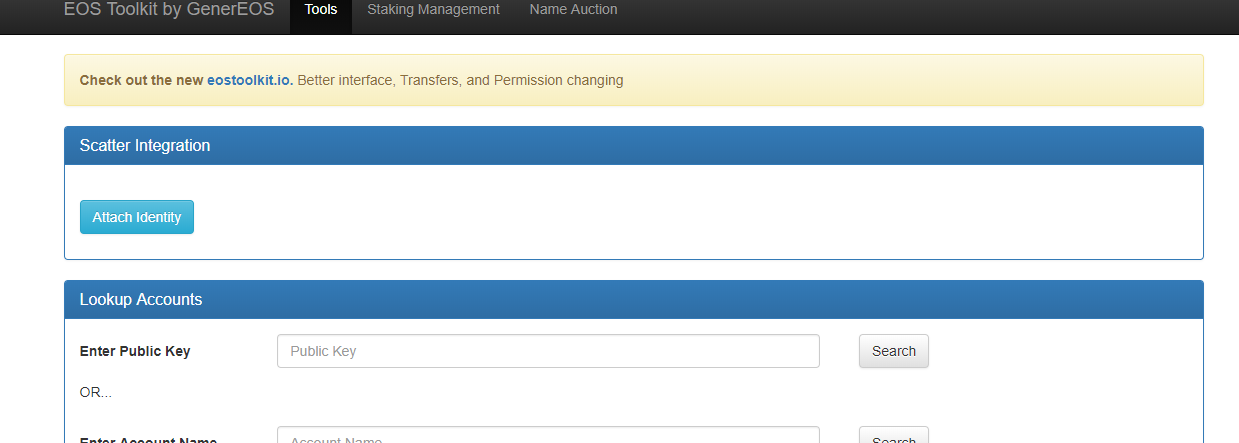


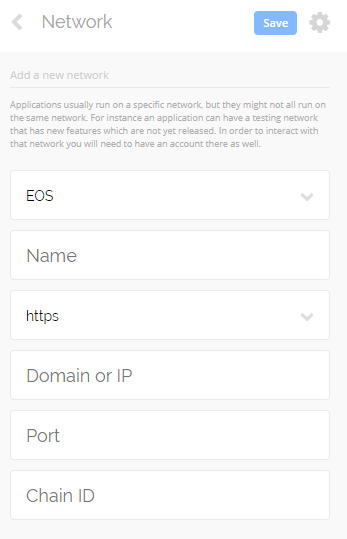
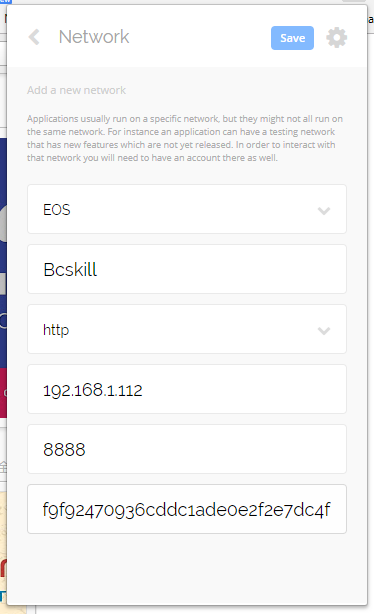
 进入网络设置